loading......

Explore high-precision IoT pressure sensors, smart fire pump rooms, on-site installations, and user guides.
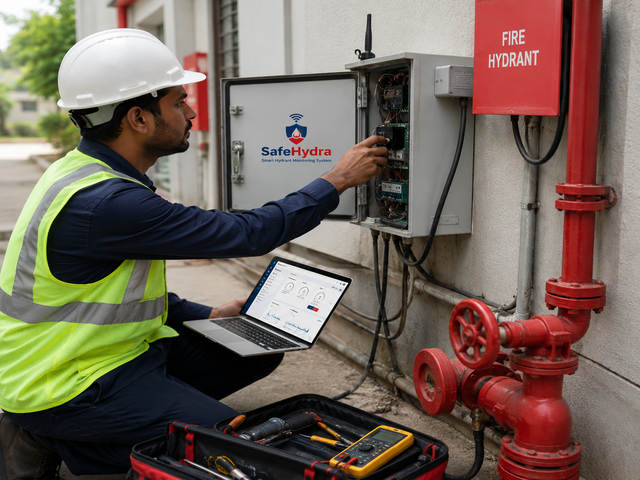
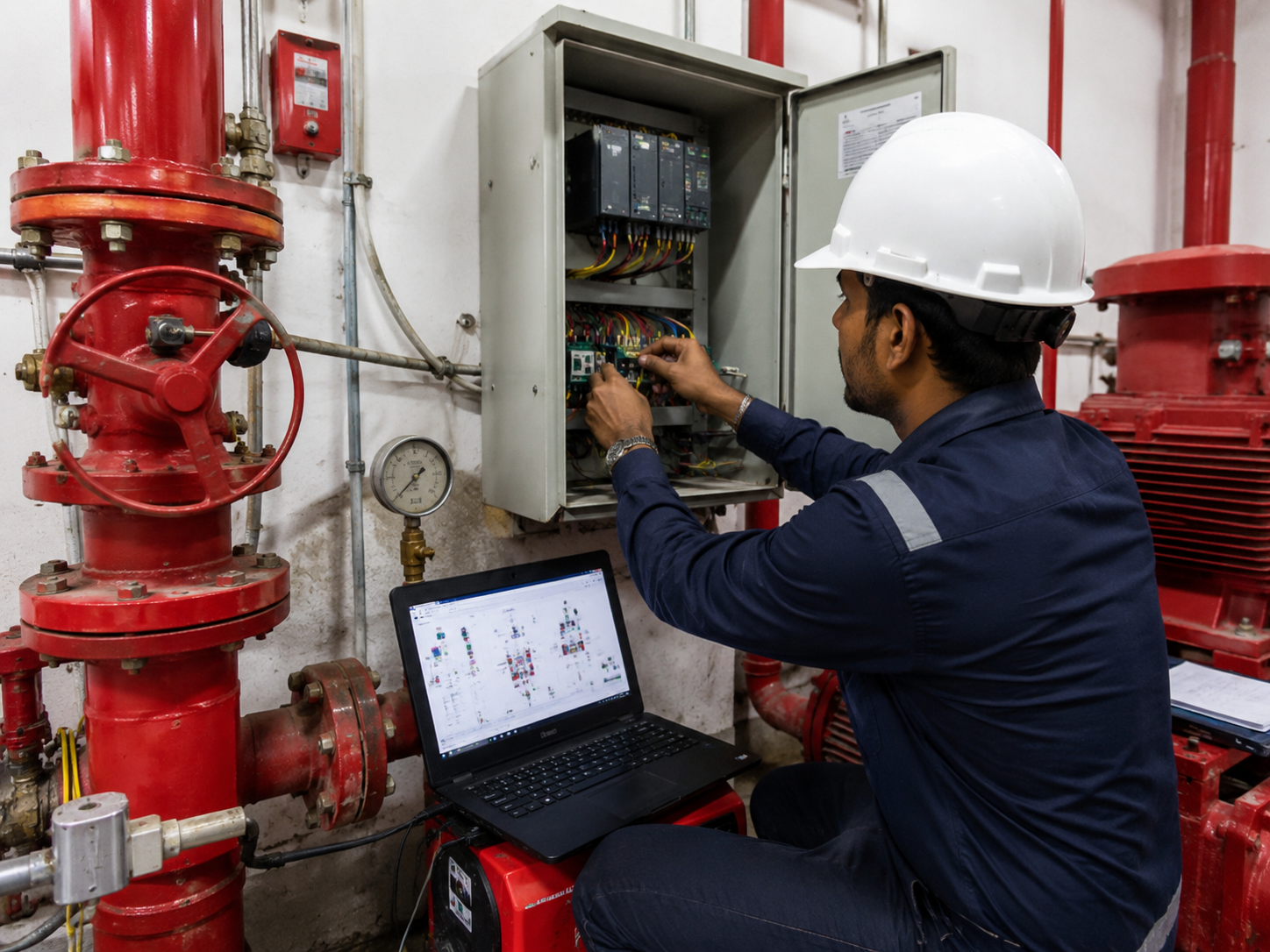
Calibrating current draw and motor starter terminals during on-site integration.
Mounting our secure telemetry hub adjacent to the diesel control module.
Non-contact level transducer setup on a 500KL underground fire water reservoir.
High-precision pressure loop transmitter installed on the main ring header.
Verifying digital output range of water reservoir height signals.
Auditing secondary starter crank cycle and diesel battery voltage under load.
Butterfly control valve outfitted with digital position switches.
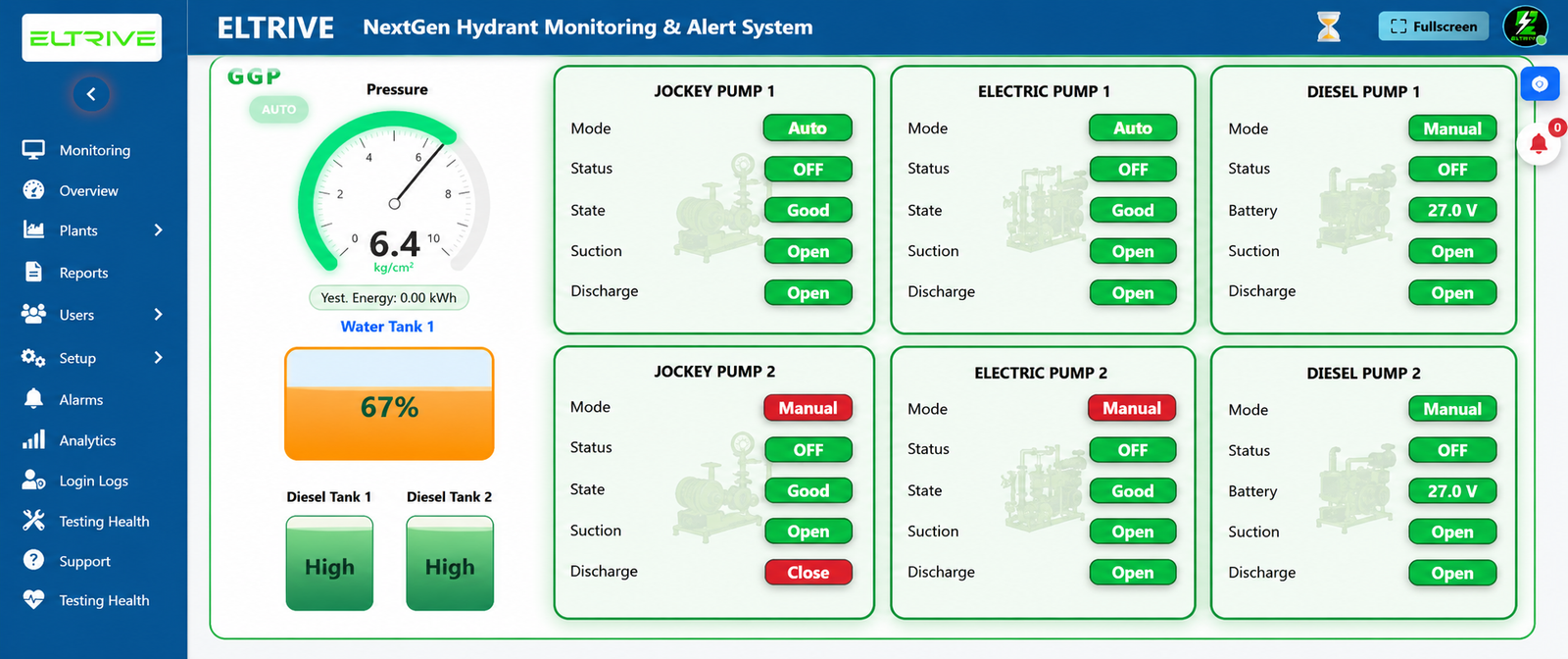
Follow these four simple steps to configure your plant on Eltrive's live monitoring dashboard.
Contact the Eltrive/SafeHydra administrator to authorize your plant profile and register your physical gateway serial numbers.
Visit g.safehydra.com and enter your designated temporary credentials sent via secure email activation.
Enter on-duty engineer phone numbers, email addresses, and define critical alarm pipelines for SMS/Email notifications.
Input baselines (e.g. 7.5 kg/cm² target) and set threshold offsets to sync local sensor telemetry with cloud dashboards.
Activate your credentials now or consult our engineers to complete your on-site integration.
Access Dashboard Portal